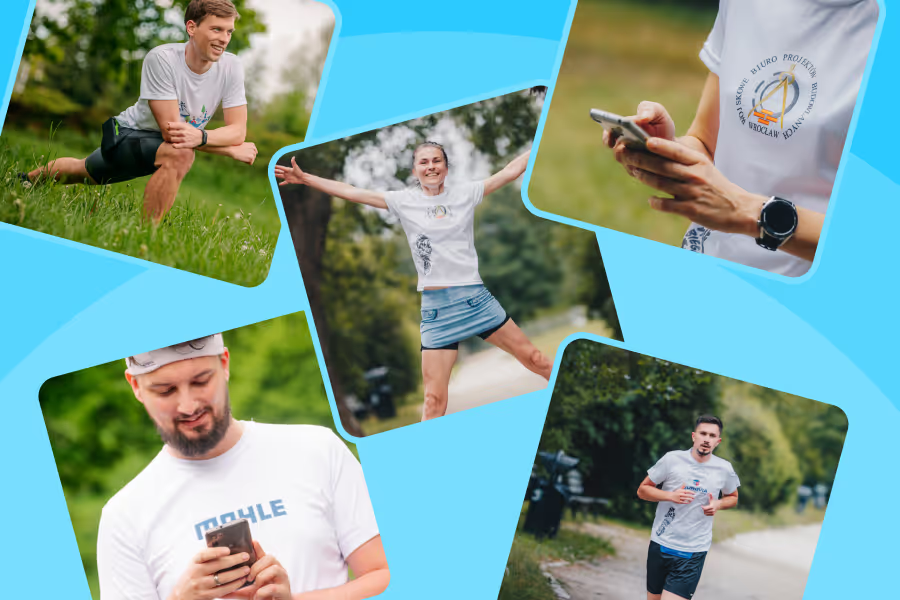
The start in the online formula is a full-fledged participation in the 14th edition of Bieg Firmowy. Only one thing is different: you run where you want and record the result in the Activy app. Below you will find the most important information, in an orderly but readable form.
How to prepare for the start?
Participation in the online formula requires the download of the Activy app. It is through it that your activity is recorded and it is she who is responsible for classifying the results.
After installation:
- log in or create an account,
- search the application for the challenge “Bieg Firmowy 2026”,
- enter the access code that you will receive by email (the same code applies to the whole team).
If you have already used Activy, just go to “My Challenges” and add a new challenge from the list.
The access code will go directly to the participants and to the company coordinator. We will communicate the shipping date closer to the event.
When do you run and what distance is applicable?
The online race takes place on 24 May 2026 (Sunday) from 00:01 to 23:59 (Polish time). You have a full 24 hours to register your activity. The minimum distance is 5.1 km. For classification, the system will select the fastest 5 km from your activity - you do not need to set anything extra. After completing your run, be sure to exit the activity in the app.
How to save your score?
You can use the tracker directly in Activy or synchronize the app with the sports tool you use, such as Strava, Garmin or Polar.
Important: it is worth setting the connection of accounts in advance, not on the day of the start. The most reasonable solution is a test workout a few days before the run, it allows you to avoid unnecessary stress.
What is worth remembering before starting?
The most common problems with saving activity are due to the settings of the phone, not the operation of the application.
Before running, check:
- whether the location works in full mode,
- whether the app has GPS access in the background,
- whether you do not have battery saving mode enabled,
- whether the phone has a stable GPS signal.
If the activity is not saved correctly, it cannot be counted among the results. It is worth taking a moment to check the settings.
Technical support on the day of the run
In case of problems, the fastest form of contact is to report directly through the Activy application - in the challenges tab or from a specific activity. This allows the technical team to identify the problem faster and provide support.
The online formula gives you the freedom to choose the route and the starting point, but the rules are common to all participants. If you prepare the application in advance and test the activity record, on the day of the run you can already focus on only one thing - on the run.